A plan built
for your gym.
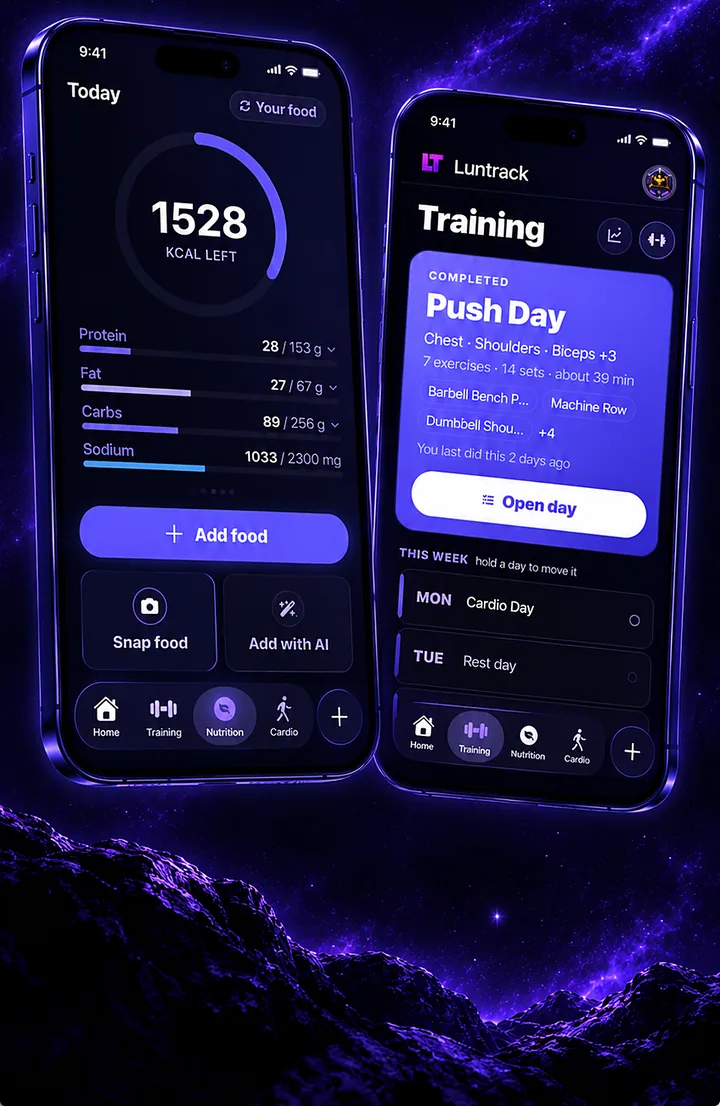
Tell Luntrack your goal, how many days you can train and what equipment you have. It builds the week — then adds weight when the sets you logged say you're ready.
Three steps.
That's it.
Answer a few questions
Goal, experience, days per week and equipment — a full gym, dumbbells at home or just your bodyweight.
Train from the plan
Open the day, log sets, reps and weight, with a rest timer between them.
Watch it progress
Next time the weights and reps move on their own, based on what you actually lifted.
The details
that make it work.
873 exercises
Every one built in, each with a picture, the muscles it works and a technique guide.
Progressive overload
Weight and reps go up when you've earned it — and hold when a session went badly.
Readiness check
A quick check-in before you train. The day adjusts instead of pretending you're always at 100%.
Machine scanner (Beta)
Point the camera at a gym machine and Luntrack tells you what it is and how to use it.
Good questions.
Is the workout planner free?
Yes. Building a plan, logging workouts and progression are free on every plan.
Can I train at home?
Yes. Choose bodyweight or the equipment you have, and the plan only uses exercises you can actually do.
What if I miss a day?
Move the day to later in the week or skip it. The plan keeps its order instead of punishing you.
Can I build my own workouts?
Yes. Edit any day, swap exercises, or build a day from scratch with the exercise picker.
One app.
Everything else too.
Stop guessing.
Start measuring.
Free to download. Free plan forever. 20 languages.