Low on Iron? How the Nutrient Guide Tells You What to Eat
Seeing that you are short on a nutrient is only useful if you know what to do about it. That is what the nutrient guide in Luntrack is for.
Tap any nutrient
On the nutrition screen, tap a vitamin or mineral, for example iron. The guide opens with three things:
- Why it matters: a short, plain explanation of what the nutrient does.
- Where today's amount came from: the foods you logged today that contributed, so you can see what is already working.
- Foods richest in it: practical options to close the gap.
An example: iron
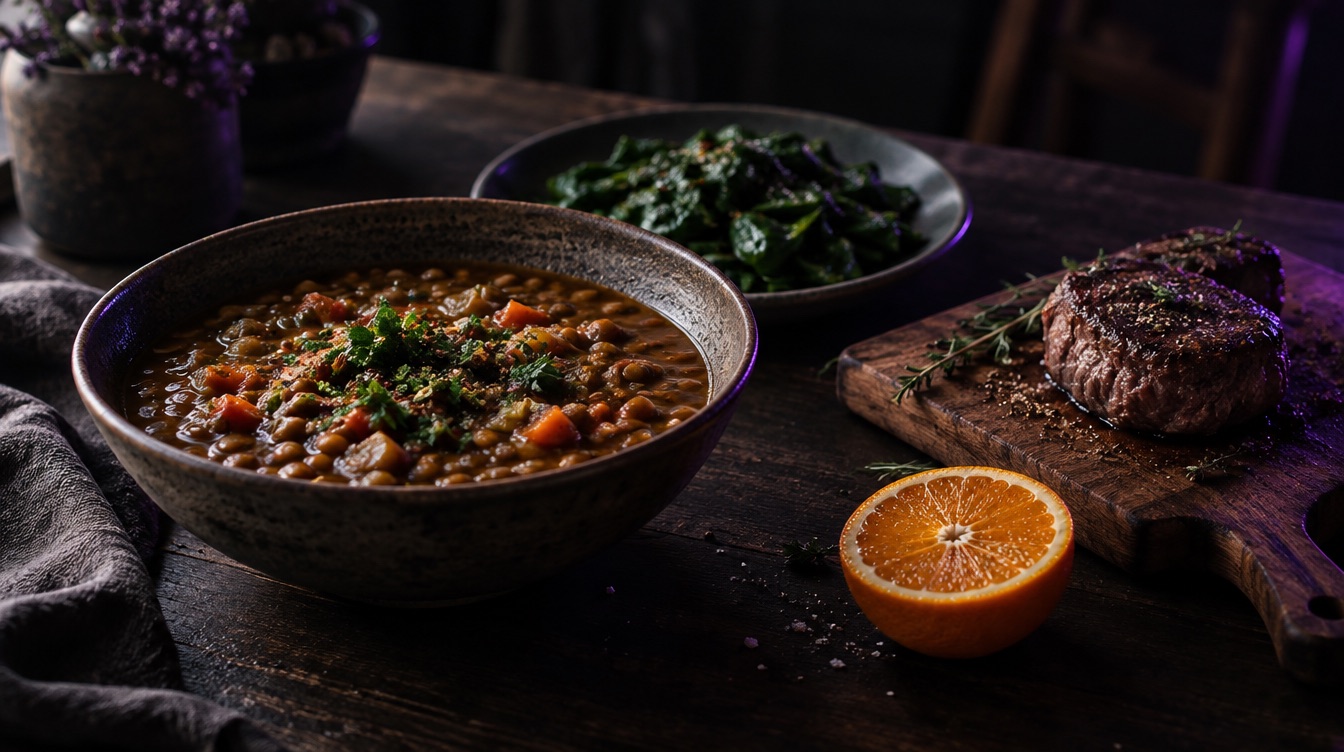
Say your iron bar sits at 40% by dinner. The guide shows that most of today's iron came from your breakfast cereal, and suggests foods like red meat, lentils, beans, tofu and leafy greens. A lentil soup for dinner can close most of the gap.
A practical tip the guide's numbers make obvious: iron from plants is absorbed better with vitamin C, so pairing lentils with peppers or an orange helps.
Look at the week, not one day
Micronutrients do not need to hit 100% every single day. Your body stores many of them. What matters is the pattern. If the same bar is low most days, that is the one worth fixing with food, or talking to a doctor about.
A note on supplements
Food first is a good default. If you are thinking about supplements, especially iron or vitamin D, a blood test and a conversation with your doctor are the right next step. Luntrack shows you the pattern, it does not diagnose.
Luntrack is free to download on the App Store.