
Take the Photo and Leave: Food Analysis That Finishes Without You
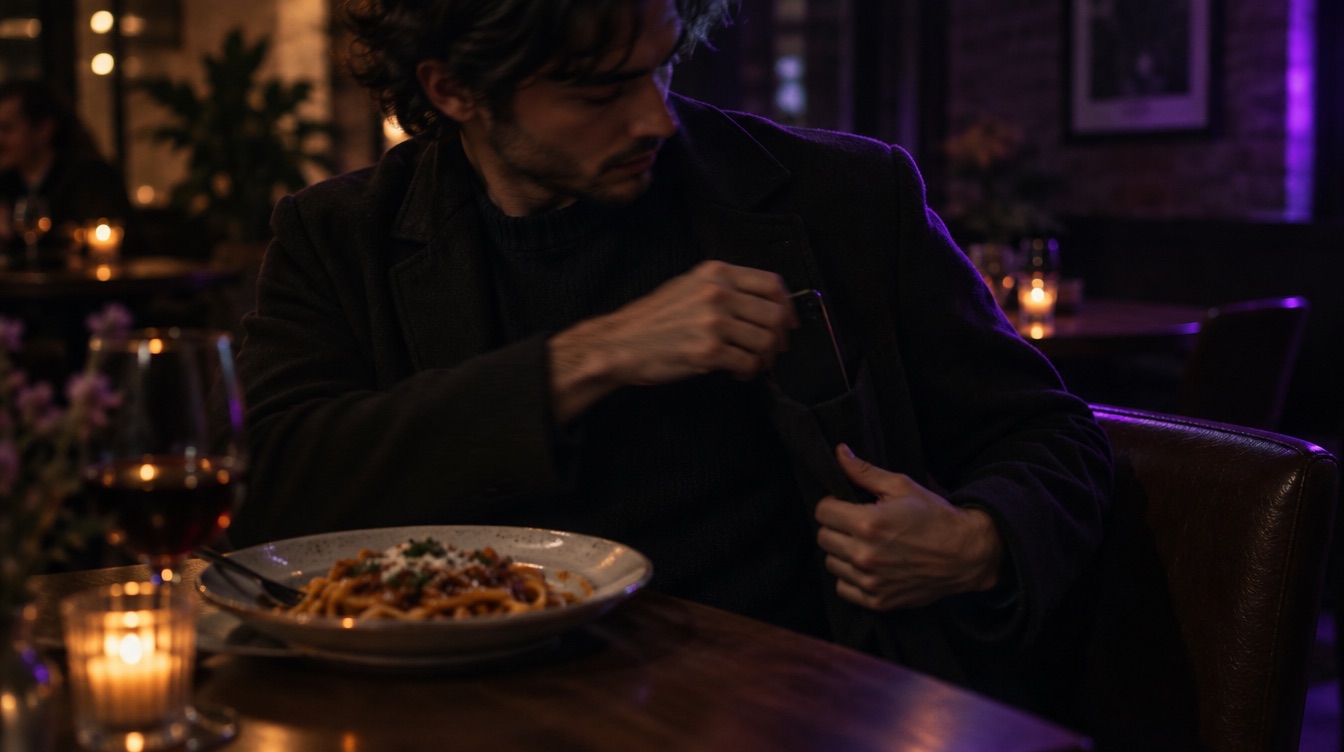
You photograph your lunch, the analysis starts, and then a friend calls or the train arrives. In many apps that means starting over. In Luntrack it does not matter.
The work happens on our server
When you take a food photo, it is sent once and analysed on Luntrack's server. Your phone does not need to stay open or even awake while that happens. Close the app, lock the screen or switch to something else.
A notification tells you it's done
When the meal is ready, Luntrack sends a notification and the meal is already in your diary. Open it to check the foods and weights, and change anything that looks off.
Bad connection? The photo waits
If you take the photo with weak signal, it is kept on the phone and sent again once you are back online with the app open. You do not have to take it twice.
Why this matters
The biggest enemy of calorie tracking is not inaccuracy. It is the meals that never get logged because the moment passed. A tracker that asks you to wait loses those meals. One that lets you snap and move on keeps them.
Tips
- Allow notifications for Luntrack so you know when the meal is in.
- Add a short note with the photo before you leave, for example "half portion".
- Check the result later the same day while you still remember what you ate.
Luntrack is free to download on the App Store.