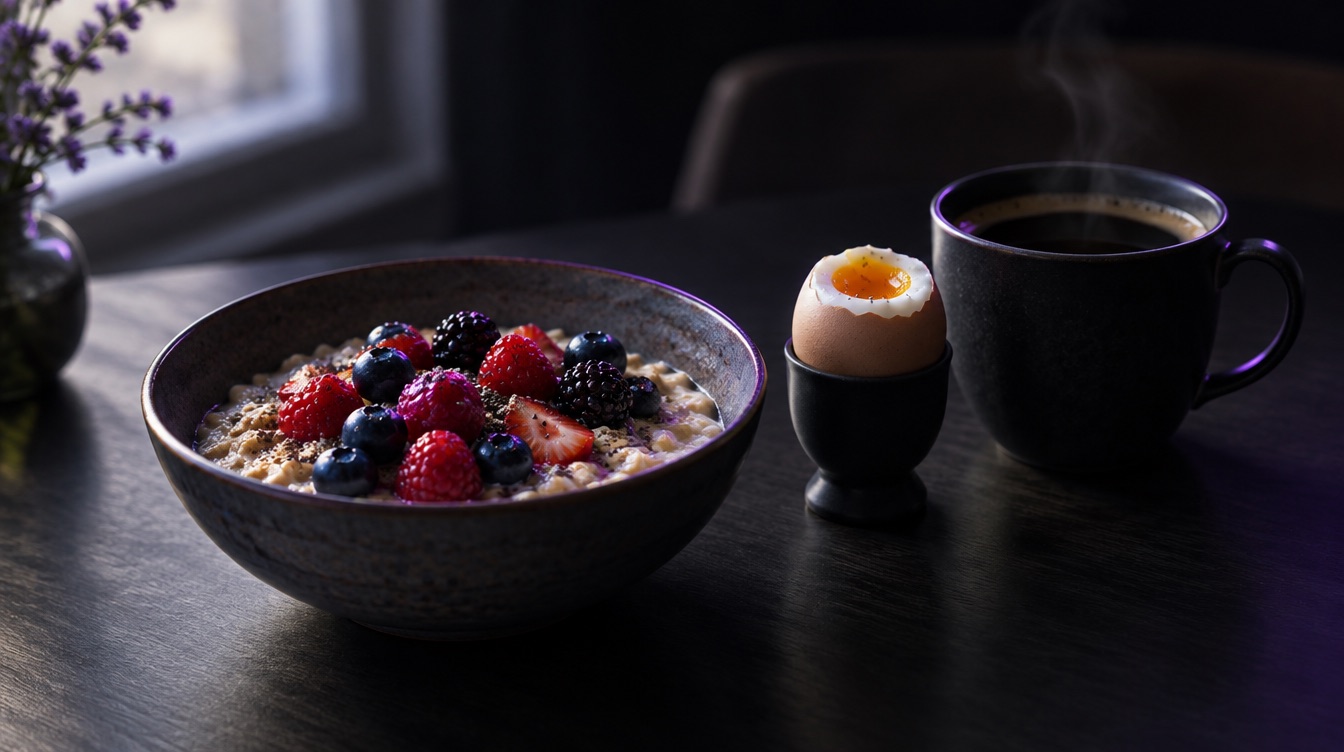
Saved Meals: Log the Food You Eat Every Week in One Tap
Most people eat the same handful of meals again and again: the usual breakfast, the work lunch, the post-workout shake. Logging them from scratch every time is exactly the kind of friction that makes people stop tracking. Saved meals fix that.
Save it once
When a meal is in your diary and the numbers look right, save it. It goes to Your meals, together with its photo, foods and weights.
Log it in one tap
The next time you eat it, open Your meals and tap it. No photo, no searching, no AI request used. The second time takes a couple of seconds.
If today's portion is bigger or smaller, adjust the weights before you add it, just like any other entry.
Share a meal with a friend
Found a high-protein breakfast that actually tastes good? Tap Share with a friend and send it. Your friend opens the link and sees the meal with its calories, protein, carbs and fat, ready to try.
Your saved meals stay on your phone
Saved meals and their photos are stored on your device. Clearing the app cache does not touch them, and you can manage or delete them any time in Data control.
A simple routine that works
- For one week, log normally and save every meal you eat more than once.
- From week two, most of your day is just a few taps.
- Use photos only for the new things: restaurant dinners, a friend's cooking, something you have never made.
Tracking gets easier the longer you do it, and saved meals are the main reason why.
Luntrack is free to download on the App Store.