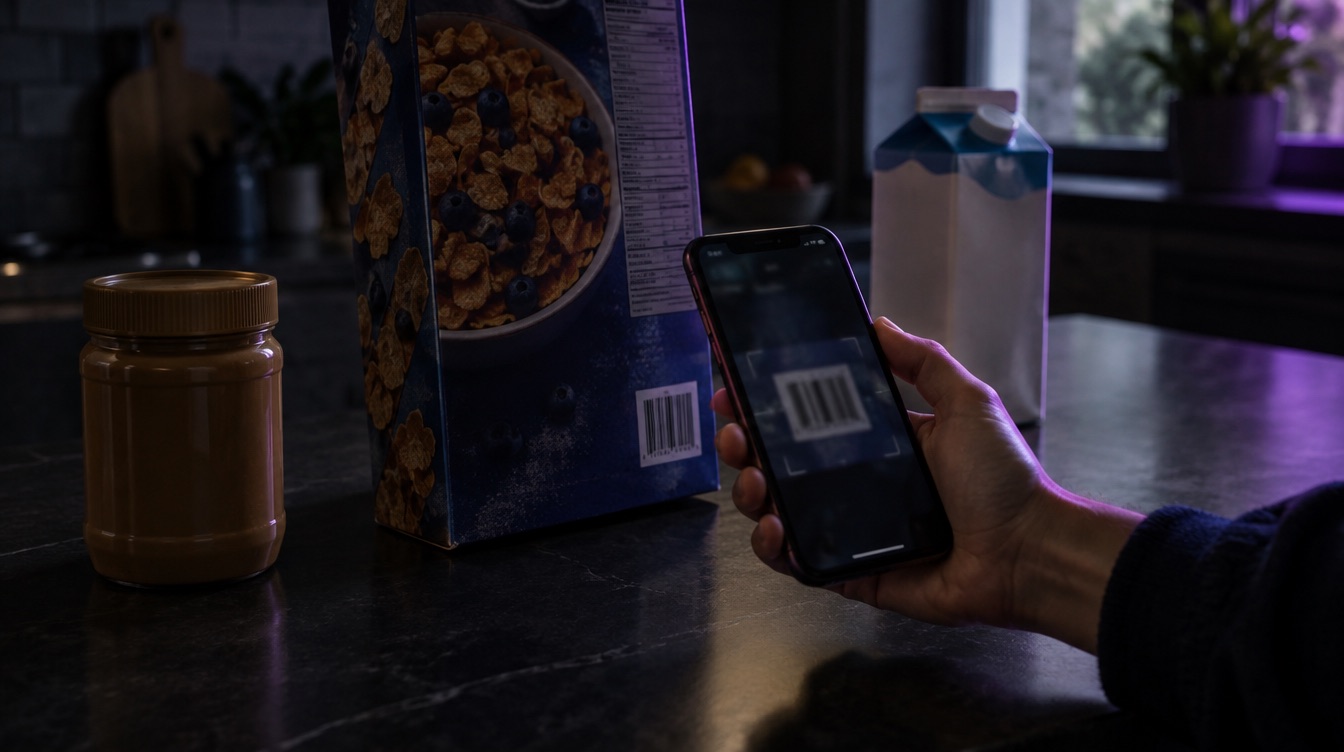
Barcode Scanner and 2.6 Million Foods: Free Food Logging in Luntrack
AI photos get most of the attention, but a lot of what we eat comes in a packet. For that, Luntrack has two tools that are free on every plan and always will be: the barcode scanner and food search.
Scan a barcode
Open the scanner and point it at the barcode. Luntrack looks the product up and fills in the label values: calories, protein, carbs, fat and, where the database has them, vitamins and minerals. Pick how much you ate and it is logged.
Barcode data is often more precise than any estimate, because it comes straight from the product's nutrition label.
Search 2.6 million foods
For loose food, home cooking or anything without a barcode, search by name. The database covers about 2.6 million foods and works in your own language, so you can type "гречка", "Haferflocken" or "arroz" and get matching results.
Luntrack's food data comes from open, well-known sources: Open Food Facts for packaged products from around the world and USDA data for basic foods. Both are credited under the search results.
Manual entry when you know the numbers
If you already know the calories and macros, for example from a restaurant menu, you can type them in directly. Every value stays editable.
When to use which
- Packaged food: barcode first. It is the most exact.
- Single ingredients: search, then set the weight.
- A full plate of mixed food: a photo is fastest (Pro and Elite).
- Something you eat often: save it as a meal and reuse it.
Calorie tracking should not depend on a subscription. Scanning, searching and manual logging are free forever in Luntrack.
Luntrack is free to download on the App Store.