
7 Tips for More Accurate Calories From a Food Photo
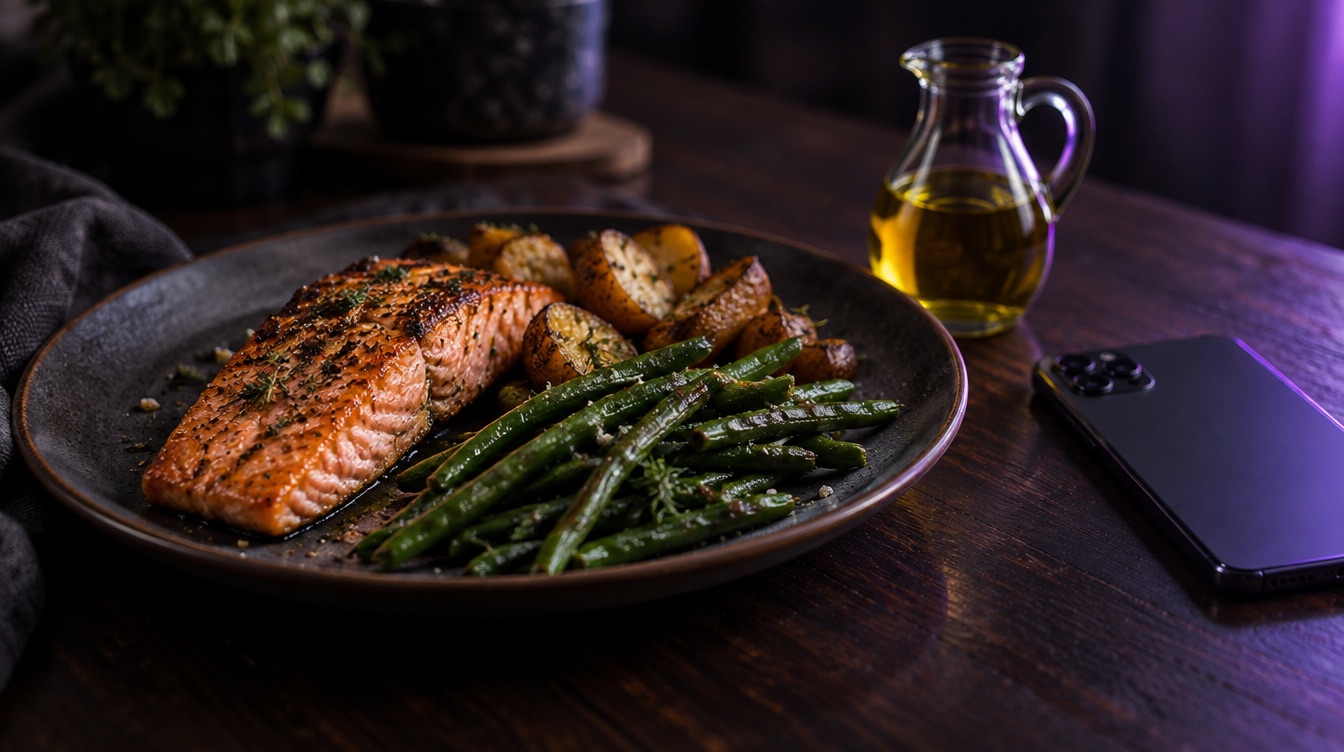
AI food photos are fast, but the result is only as good as what the camera can see. These small habits make Luntrack's estimates noticeably closer to reality, and most of them take less than a second.
1. Shoot from above
A top-down photo shows the size of every item on the plate. A side angle hides depth and makes portions harder to judge.
2. Keep the whole plate in the frame
If half the plate is cut off, the AI can only estimate what it sees. Step back a little so every food is visible.
3. Photograph before you mix
A salad, stir-fry or bowl is easier to read before the sauce is stirred through. Snap it first, eat after.
4. Mention what the camera can't see
Oil, butter, sugar in coffee and dressing can add hundreds of calories while staying invisible. Add a short note like "fried in 1 tbsp oil" or "2 sugars". Luntrack takes notes into account.
5. Correct the one number that matters
Every food in the result shows its weight. If you know a portion, for example because you weighed the pasta dry or the pack says 150 g, change that line. The calories, macros and micronutrients update with it. If you give the weight in the note, it wins over the visual estimate.
6. Use the barcode for packaged food
A photo of a closed packet tells the AI very little. Scanning the barcode pulls the exact label values instead. It is free on every plan.
7. Save the meals you repeat
If you eat the same breakfast most days, get it right once and save it. Next time it is one tap, with no photo and no estimate at all.
Accurate enough beats perfect
No tracker, and no dietitian looking at a plate, is exact. What makes tracking work is being roughly right every day rather than perfectly right once a week. A quick photo with a two-word note gets you there.
Luntrack is free to download on the App Store.