Snap a Meal, Get the Calories: How Luntrack's AI Food Photos Work
Counting calories usually fails for one boring reason: typing every food into a tracker takes too long. Luntrack's food photo feature was built to remove that step. You point the camera at your plate, and a few seconds later the meal is in your diary with calories, protein, carbs, fat and ten vitamins and minerals filled in.
What happens when you take the photo
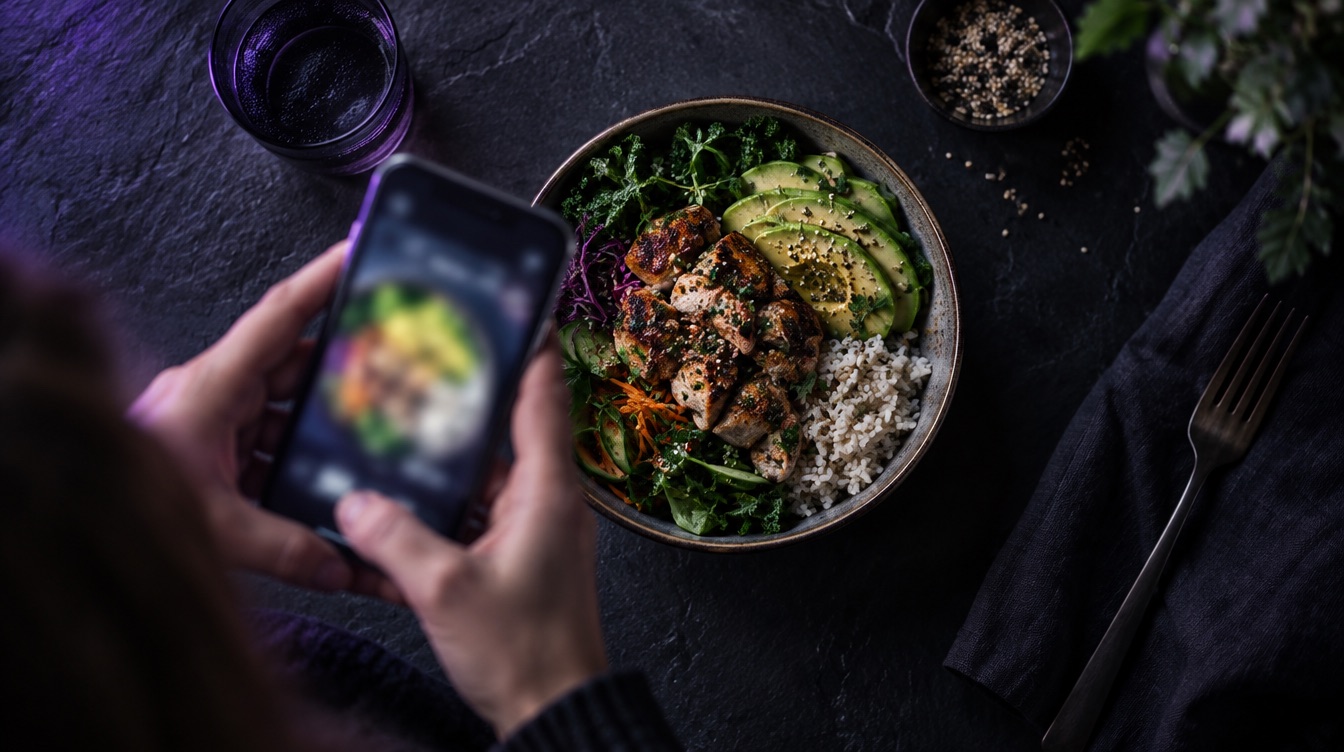
Tap Snap food and photograph the plate. LunAI, the AI inside Luntrack, looks at the whole picture and splits it into separate foods. A bowl of chicken, rice and avocado becomes three lines, not one vague "bowl". Each line gets an estimated weight, and each food is matched against nutrition databases so the numbers behind it come from real food data, not a guess about the whole plate.
The result is shown before anything is saved. You see every food, its weight and its nutrition, and you can change any of it.
Why the weight is the number that matters
Recognising food is the easy part for modern AI. The hard part, for any tracker and any human, is the portion. That is why Luntrack shows the weight of every item instead of hiding it inside a total. If the rice looks like 150 g to the AI but you know you cooked 200 g, change it and the calories follow. If you tell it the weight up front, your number wins over the visual estimate.
Add a note to help it
You can type a short note with the photo, for example "large portion", "cooked in butter" or "no sauce". Notes like these fix exactly the things a camera cannot see, such as oil, dressing or what is hidden under the top layer.
It works with any cuisine, in your language
Home cooking, restaurant plates, packaged food and drinks all work. Foods are named in the language you use the app in, and Luntrack is available in 20 languages.
You don't have to wait for it
Take the photo and close the app if you like. The analysis finishes on our server, and a notification tells you when the meal is in your diary.
Is it free?
Photo analysis is part of the Pro and Elite plans. The barcode scanner, food search and manual logging are free on every plan, so you can always log food without AI.
Want to see it in action? Read more on the AI food photos page or try it in the app.
Luntrack is free to download on the App Store.